Step 1
Create Custom Projects
Set up each install with branded project details, scopes, teams, and timelines fully tailored to the job and with all the details your client expects.

Step 2
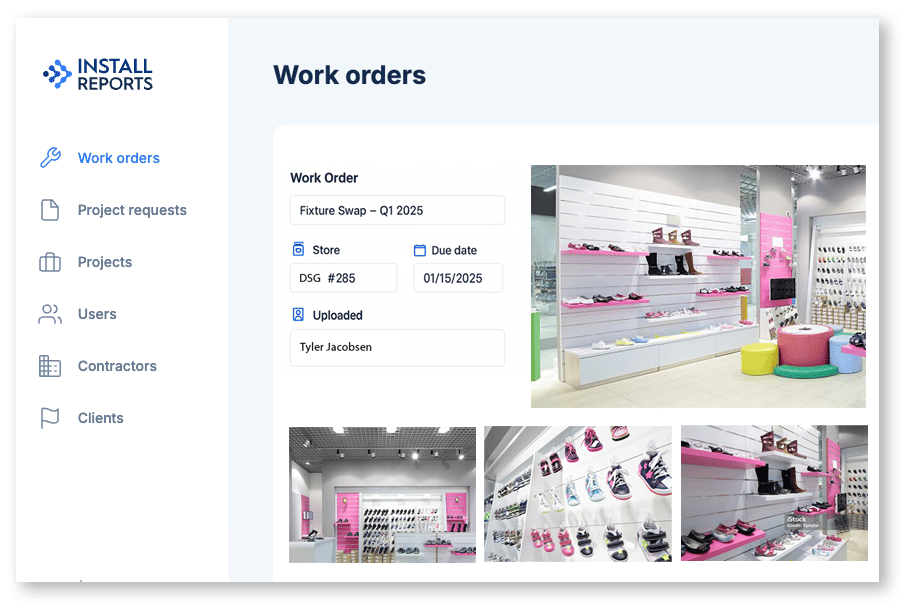
Capture Details On-Site
Document the install in real time. Upload photos, add notes, and get sign-off from the field.
Step 3
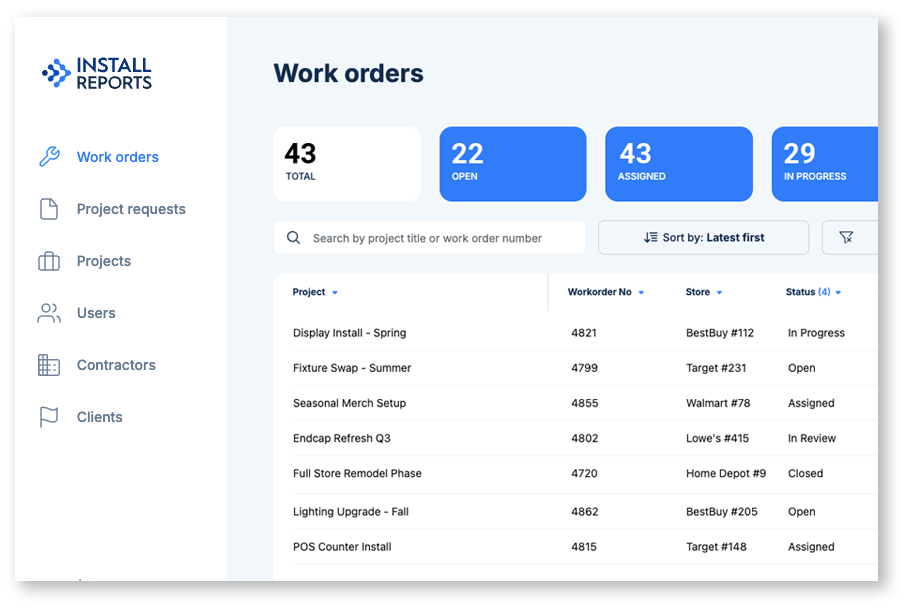
Track Progress in Real Time
Stay on top of every work order with live status updates, searchable logs, and smart filters that make project oversight effortless.
Step 4
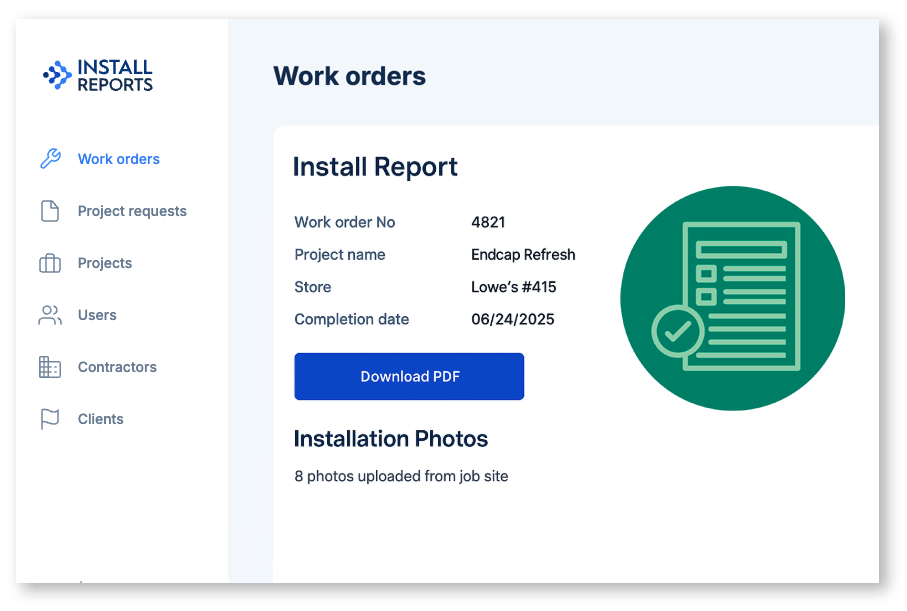
Generate Client-Ready Repports
Turn field data into polished, professional PDFs. Branded, timestamped, and ready to send with a single click.